Event & sponsor kit
Everything an organiser needs to show PlayCISO as a supporter: logos, print-ready flyers, screen and social graphics, and text to copy. Use them on your event platform, in Discord, on venue screens and in winner announcements.
Logos
SVG for anything that scales; transparent PNG where a platform will not take SVG.
Icon, full colour
Use it for: Avatars, favicons, small sponsor slots. Works on light and dark backgrounds.

Icon, white
Use it for: One-colour use on photos, orange or dark backgrounds.
Logo for light backgrounds
Use it for: Print, white slides, light sponsor walls.

Logo for dark backgrounds
Use it for: Dark slides, Discord, CTF platforms, venue screens.

Logo, white (one colour)
Use it for: Over photos and coloured backgrounds where full colour clashes.
Logo, dark (one colour)
Use it for: One-colour print, engraving, stamps and fax-grade copies.






Clear space and minimum size
Keep space of at least half the icon's height clear on every side. Smallest sizes: the icon 24 px (6 mm) tall, the full logo 120 px (30 mm) wide. Below that, use the icon on its own.
Do
- Use the files as supplied, scaled in proportion.
- Use the light-background logo on white and the dark-background or white logo on dark or busy backgrounds.
- Link the logo to playciso.com where the platform allows a link.
Don't
- Stretch, rotate, outline or add shadows and effects.
- Recolour the orange tile or retype the wordmark in another font.
- Place the full-colour logo on orange or on a busy photo.
- Suggest PlayCISO organises, judges or endorses the event beyond the support agreed.
Flyers
A4, print-friendly, as PDF for printing and PNG for screens and chat. No codes are printed on any flyer.
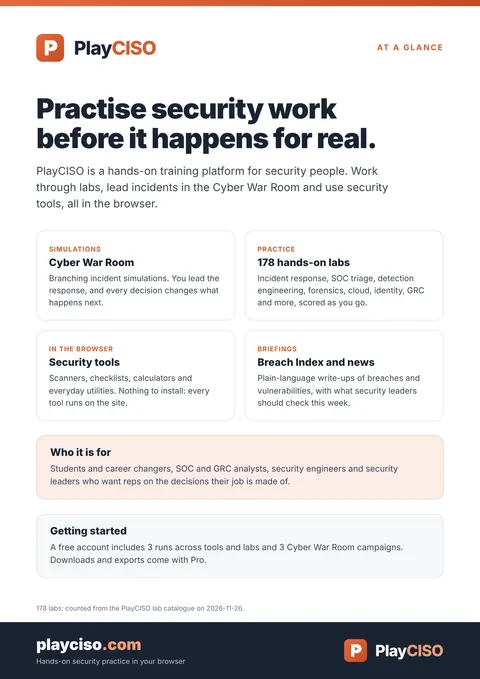
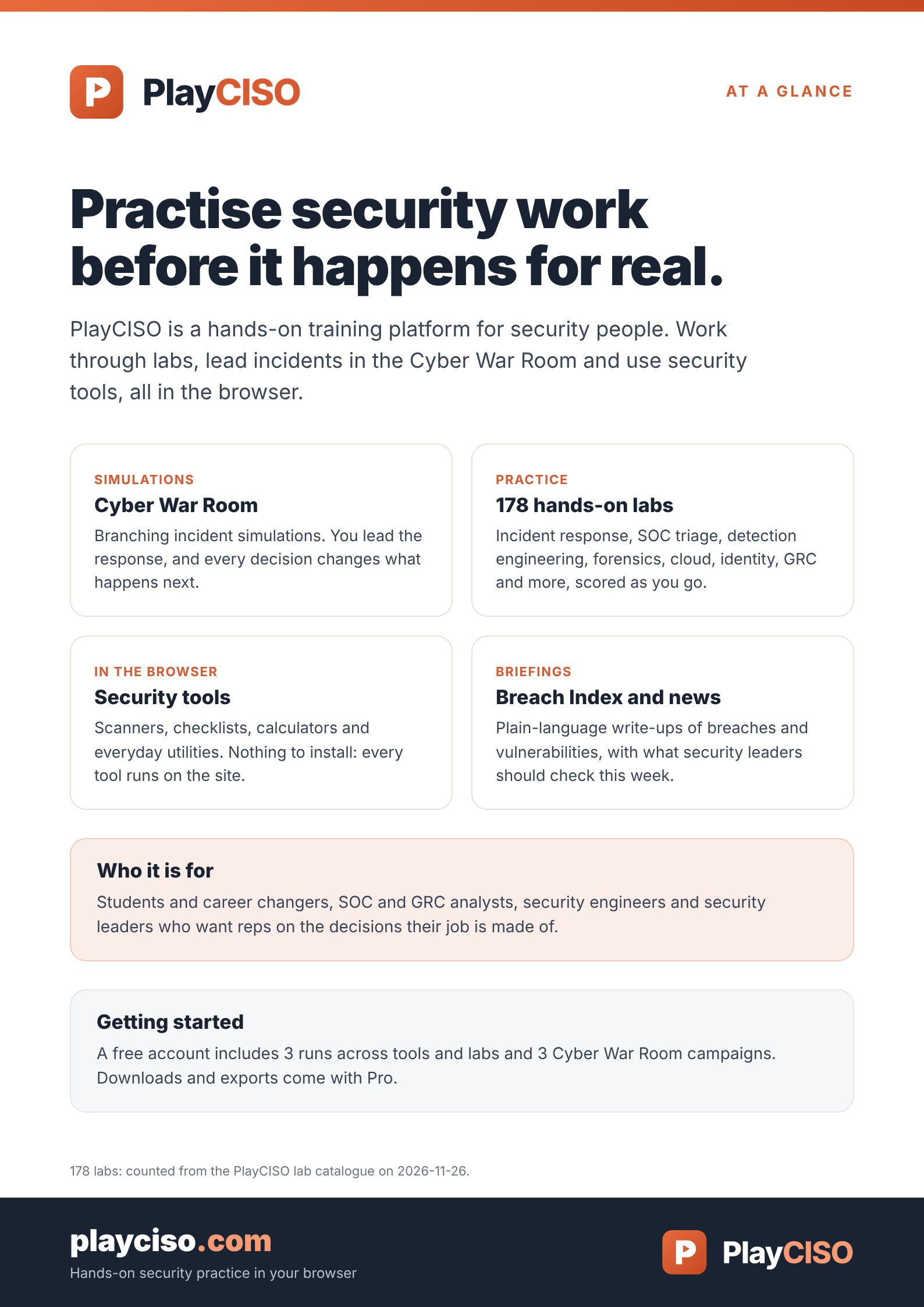
PlayCISO at a glance
Use it for: A one-page introduction for a welcome pack, a sponsor table or the event website.
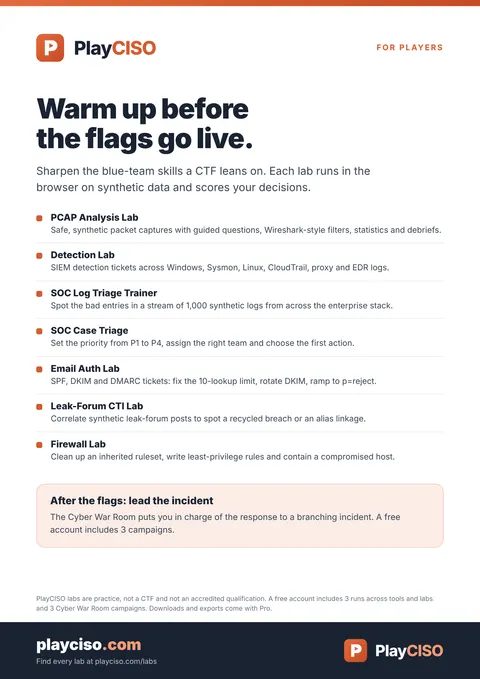
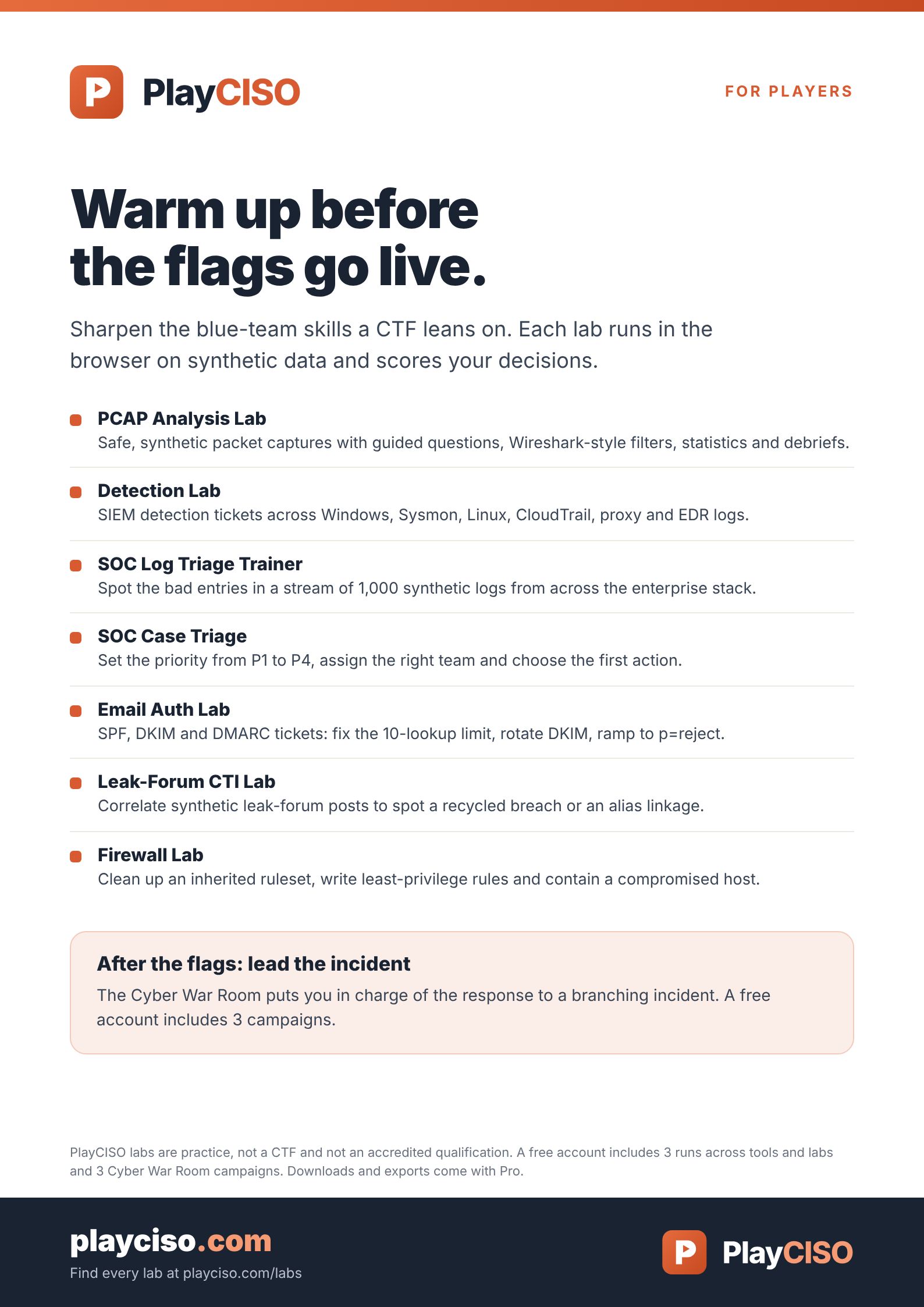
Practise before the CTF
Use it for: For players: labs that warm up the skills a CTF tests, plus the Cyber War Room.
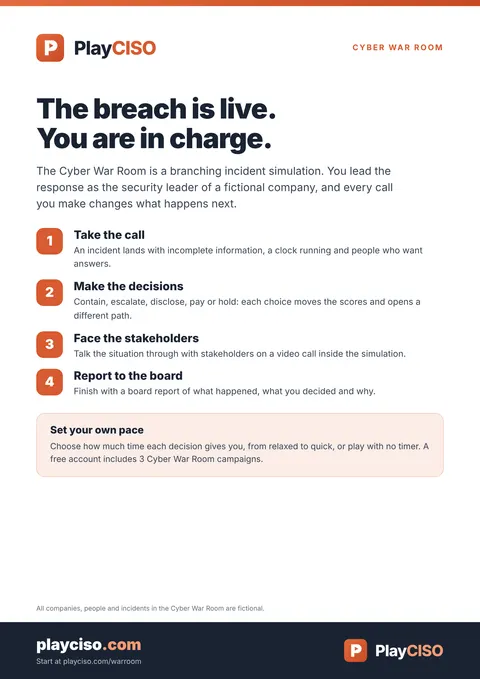
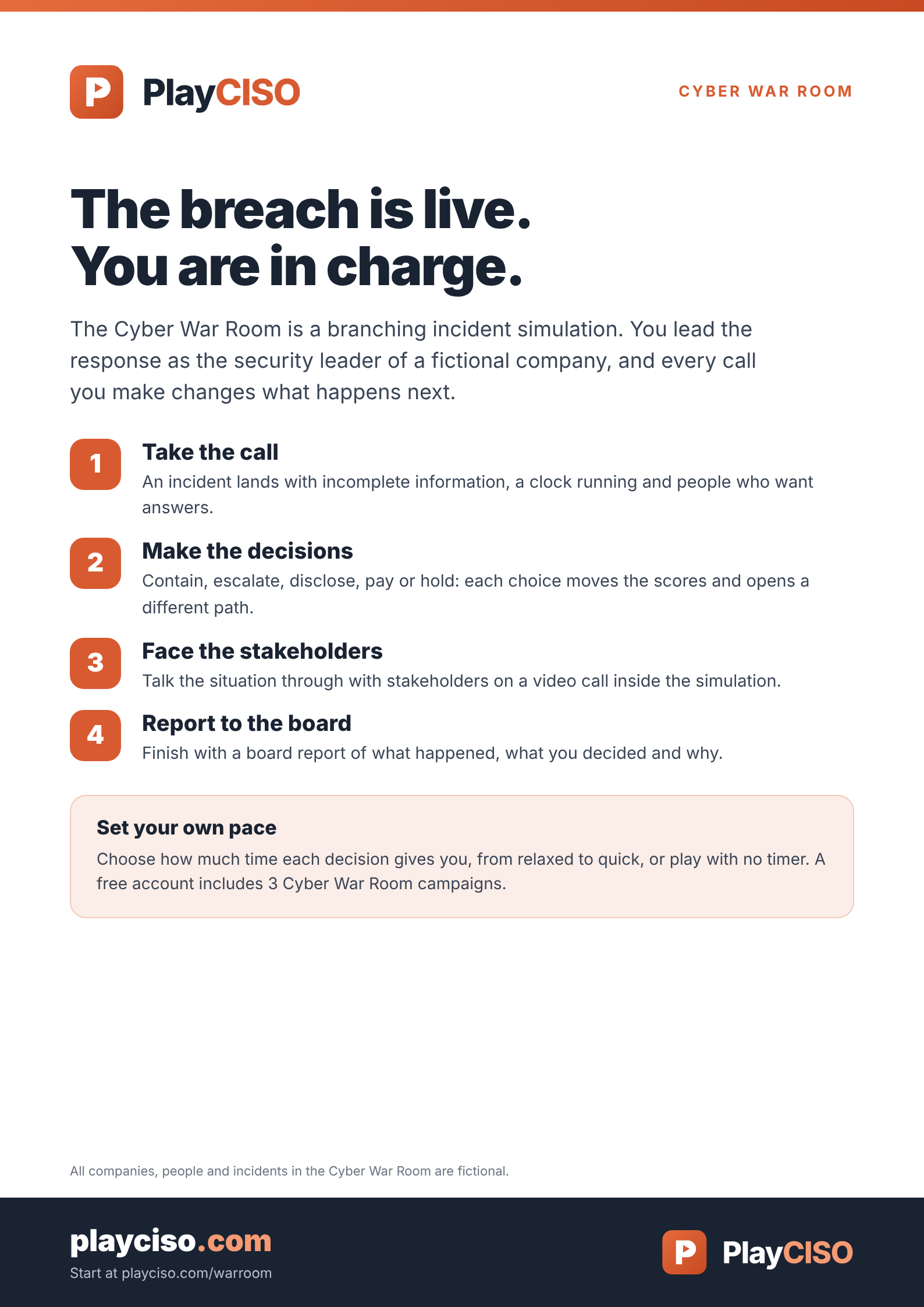
Cyber War Room
Use it for: A flyer for the incident-leadership simulation, for leadership tracks and finals nights.
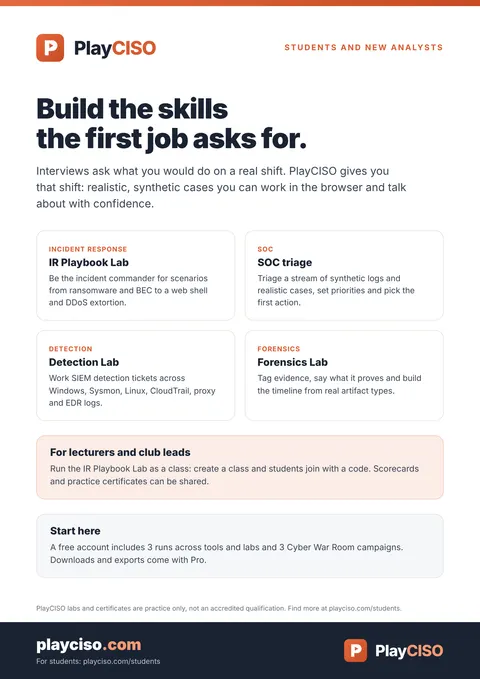
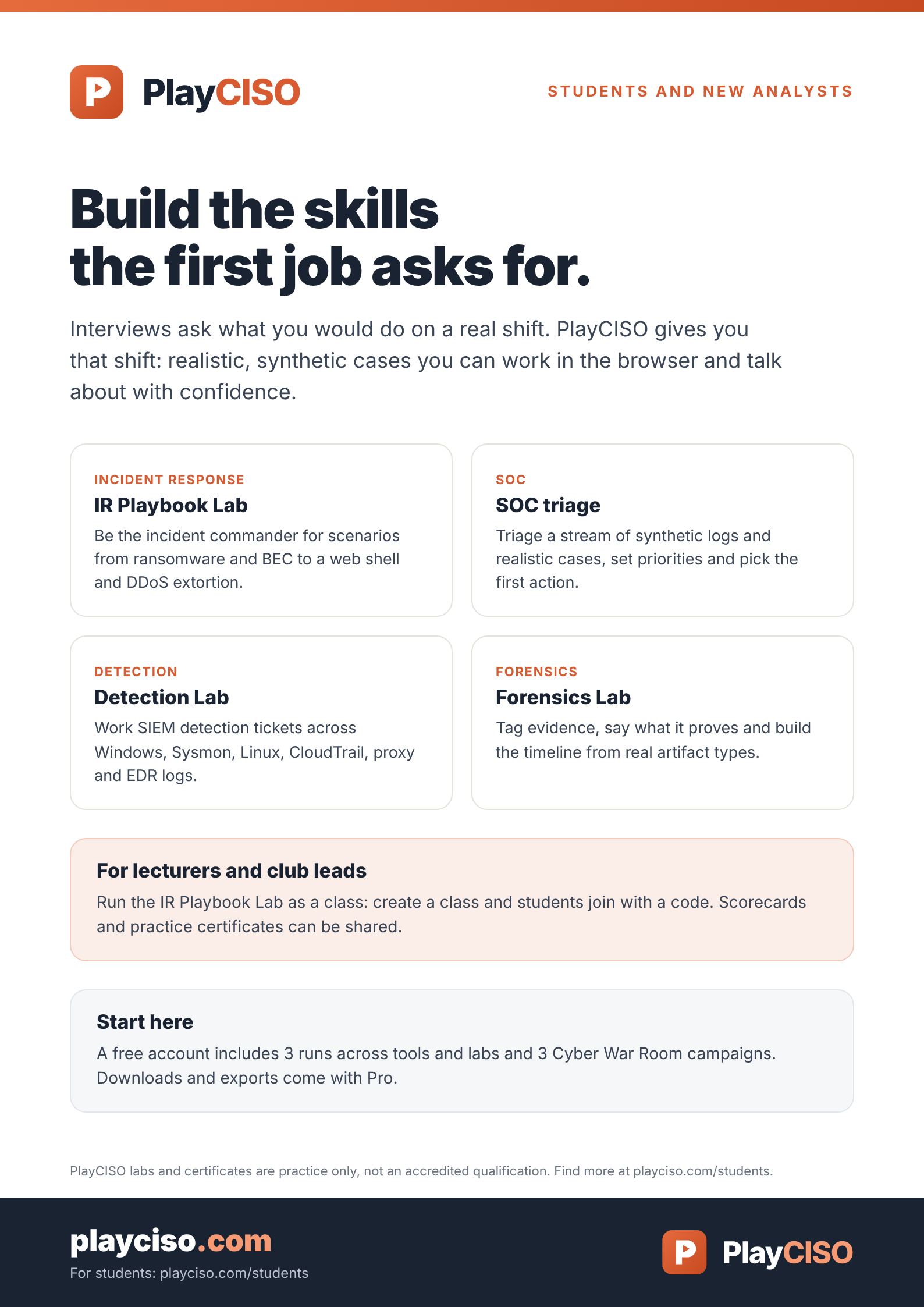
For students and new security analysts
Use it for: For student competitions, university clubs and anyone starting out in security.
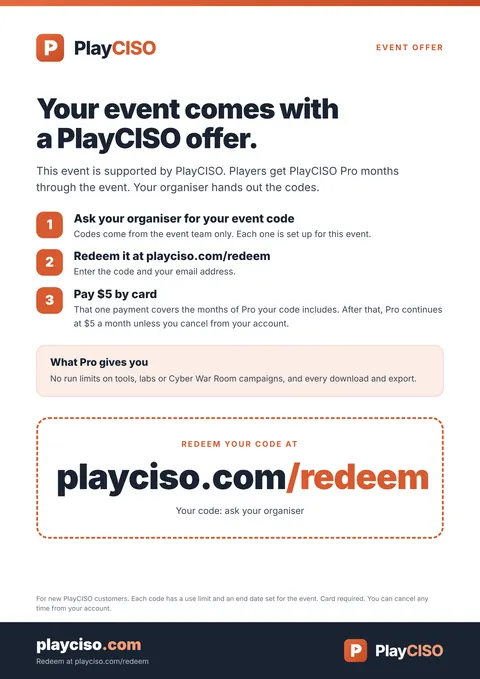
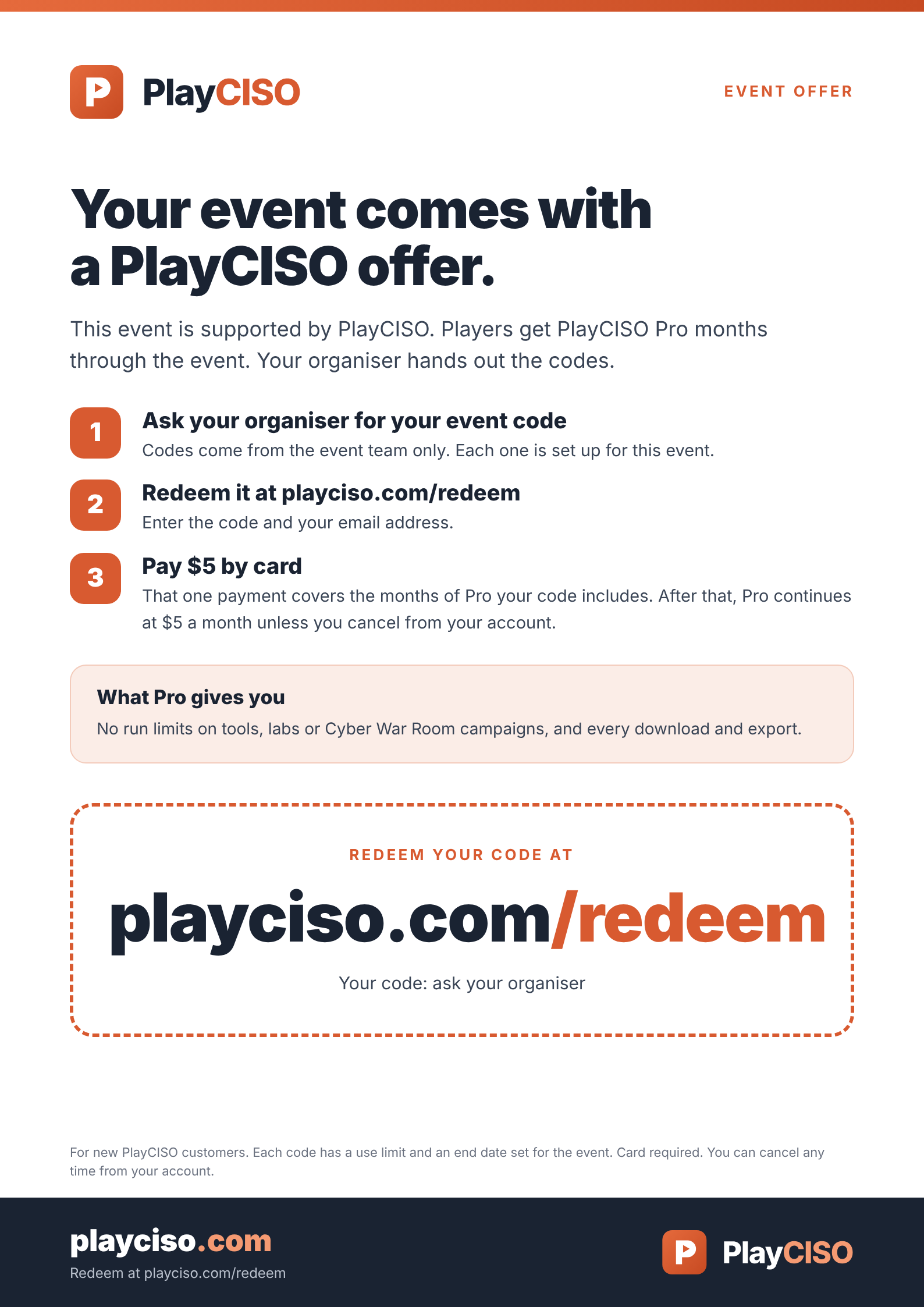
Your event offer
Use it for: For players: how to claim the PlayCISO offer your event includes. No codes are printed on it.
Screens and social
“Supported by PlayCISO” graphics at the exact pixel sizes each place expects.
Venue screen
Use it for: Projector or TV loops between talks, on stage and at the finals.
Discord and event-platform banner
Use it for: Discord server banner, CTF platform sponsor slot or event page header.
Square social post
Use it for: Instagram, LinkedIn or X posts thanking sponsors and announcing winners.






Boilerplate text
25 words
PlayCISO is a hands-on training platform for security people: browser-based labs, Cyber War Room incident simulations and security tools, from SOC shift to the boardroom.
75 words
PlayCISO is a hands-on training platform for security people, from students and SOC analysts to security leaders. Players work through browser-based labs on incident response, SOC triage, detection, forensics and cloud security, and lead the response to branching incidents in the Cyber War Room, where every decision changes what happens next. Security tools run in the browser. A free account includes runs across tools and labs; Pro removes the limits and adds downloads. Visit playciso.com.
Link
https://playciso.com
On your event page or Discord you can use a link that tells us which event sent the visit (replaceyour-event-name):
https://playciso.com/?utm_source=event&utm_medium=event-page&utm_campaign=your-event-name
Need another size or your event name on it?
Tell us the format and where it will run.
Email hello@playciso.comFrequently asked questions
Can I use the PlayCISO logo for my event?
Yes, for an event PlayCISO supports: on your event platform, in Discord, on venue screens, in sponsor slides and in winner announcements. Use the files as they are, following the do’s and don’ts on this page.
Which logo file should I use?
SVG for anything that scales (web pages, print, large screens). PNG for tools that do not accept SVG, such as Discord or some CTF platforms. Use the light-background version on white and the dark-background or white version on dark or busy backgrounds.
Do the flyers contain event codes?
No. The event offer flyer tells players to ask their organiser for a code and redeem it at playciso.com/redeem. Codes stay with the organiser.
Can you make a version with our event name on it?
Email hello@playciso.com with the event name and the format you need.
Kit generated 2026-11-26. Product facts on the flyers come from the live product; the lab count is counted from our lab catalogue on that date.