Cyber Security Meme Generator
Make cyber security memes in seconds: pick a template, write your line (or hit Random cyber caption), and download or copy the PNG. It has the two-astronaut “Always has been” layout, reject and approve, expanding brain, two buttons and more, all drawn by us, and it works on your own image too. Everything runs in your browser.
TL;DRWhat this tool is
5 points
- A free, in-browser cyber security meme maker with seven original templates: two astronauts, reject and approve, expanding brain, two buttons, wandering eye, room on fire, and top and bottom text on your own image.
- Every drawing is original PlayCISO artwork, with no borrowed meme photos. Text boxes shrink to fit and a live preview updates as you type.
- The Random cyber caption button draws from 62 hand-written, generic security jokes, so there is always a starting point.
- Your uploaded image never leaves your browser. Nothing is sent to a server and nothing is stored.
- Download the PNG with a free PlayCISO account, or copy the image to your clipboard without one. The small playciso.com mark can be switched off.
Why security teams make memes
A good it security meme does what a policy cannot: it names a problem everybody recognises without starting an argument. The alert nobody reads, the backup nobody restored, the exception that never expired. Laughing at the situation is often the first step to fixing it, and a meme travels further than a slide. Keep it about the situation, not about a person or a named company.
The templates
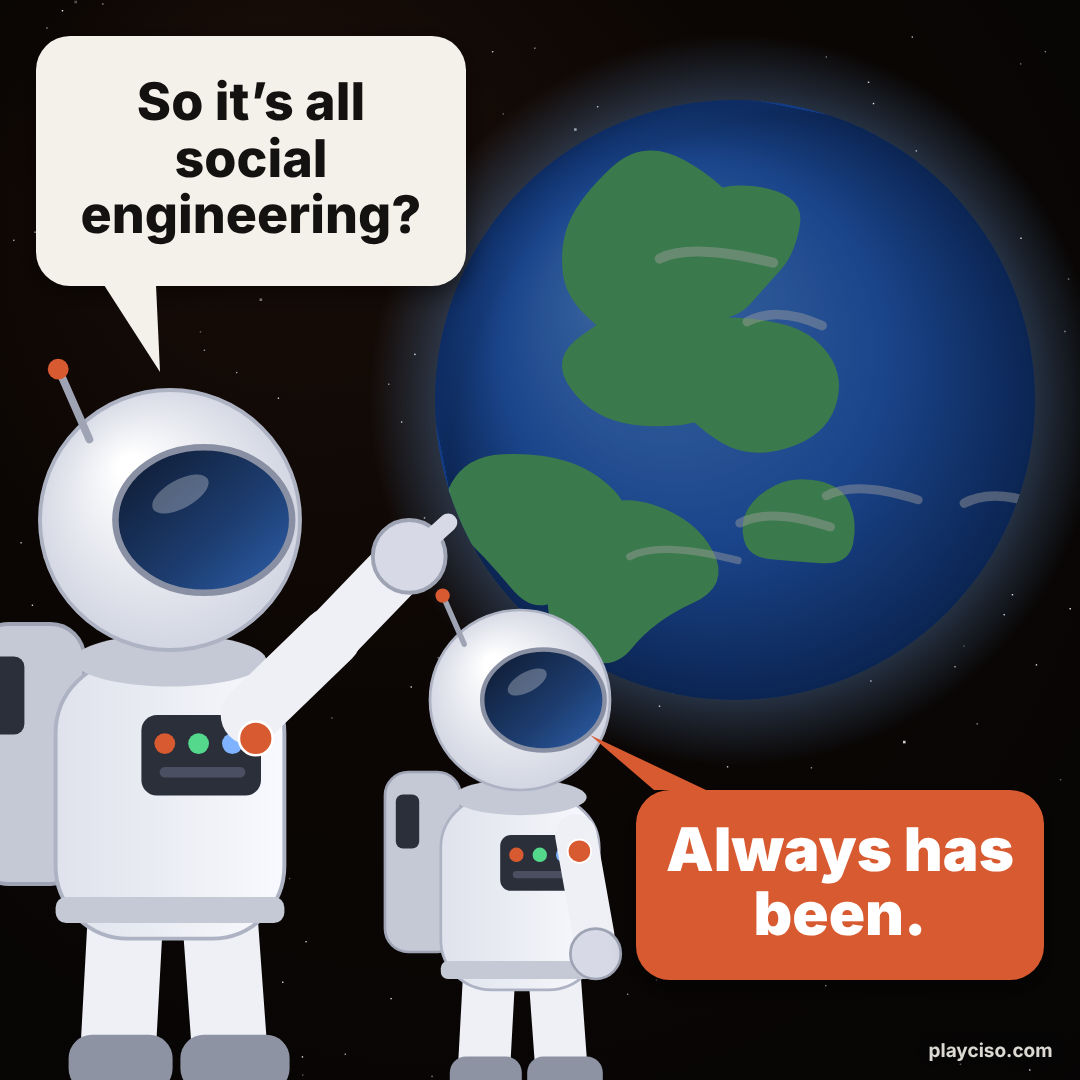
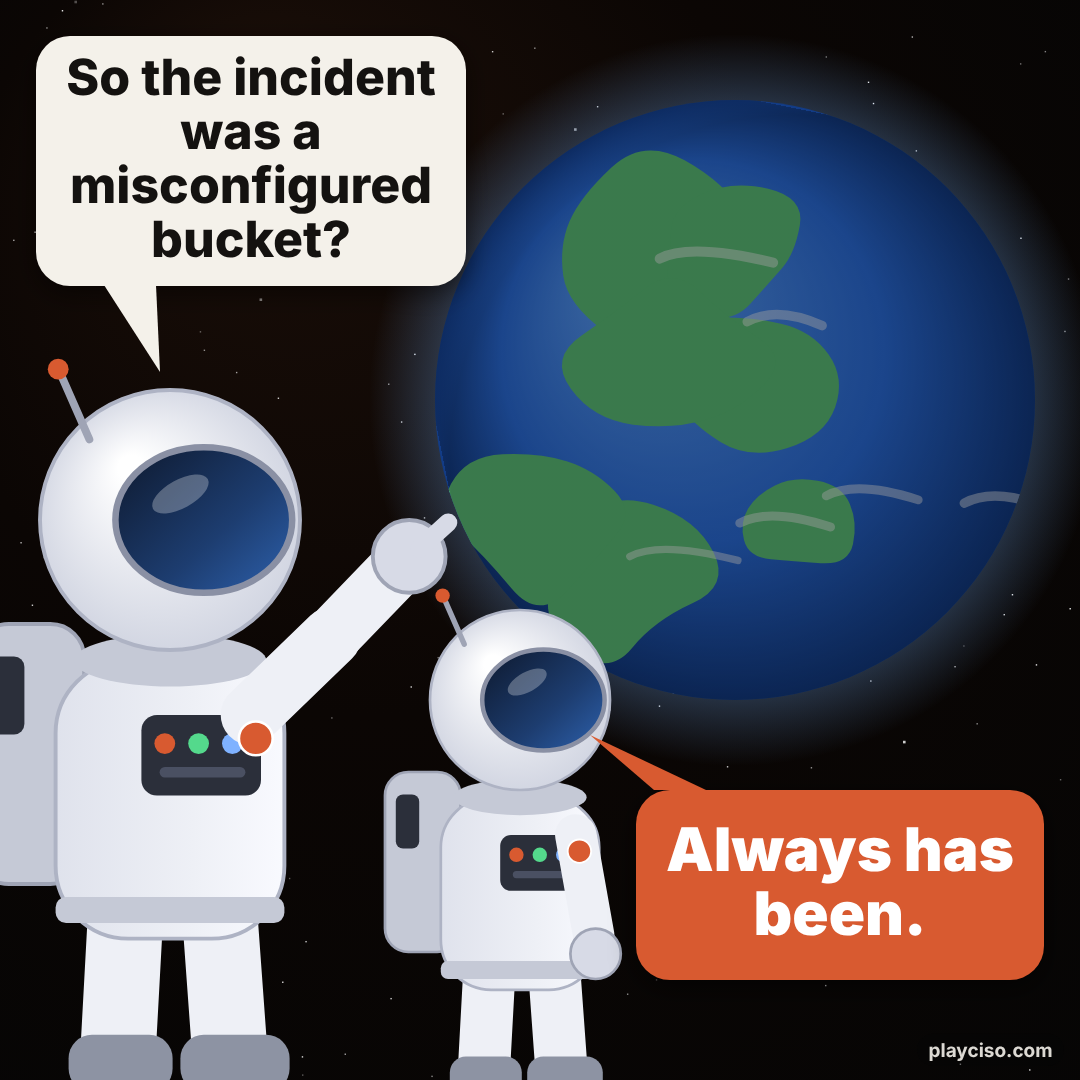
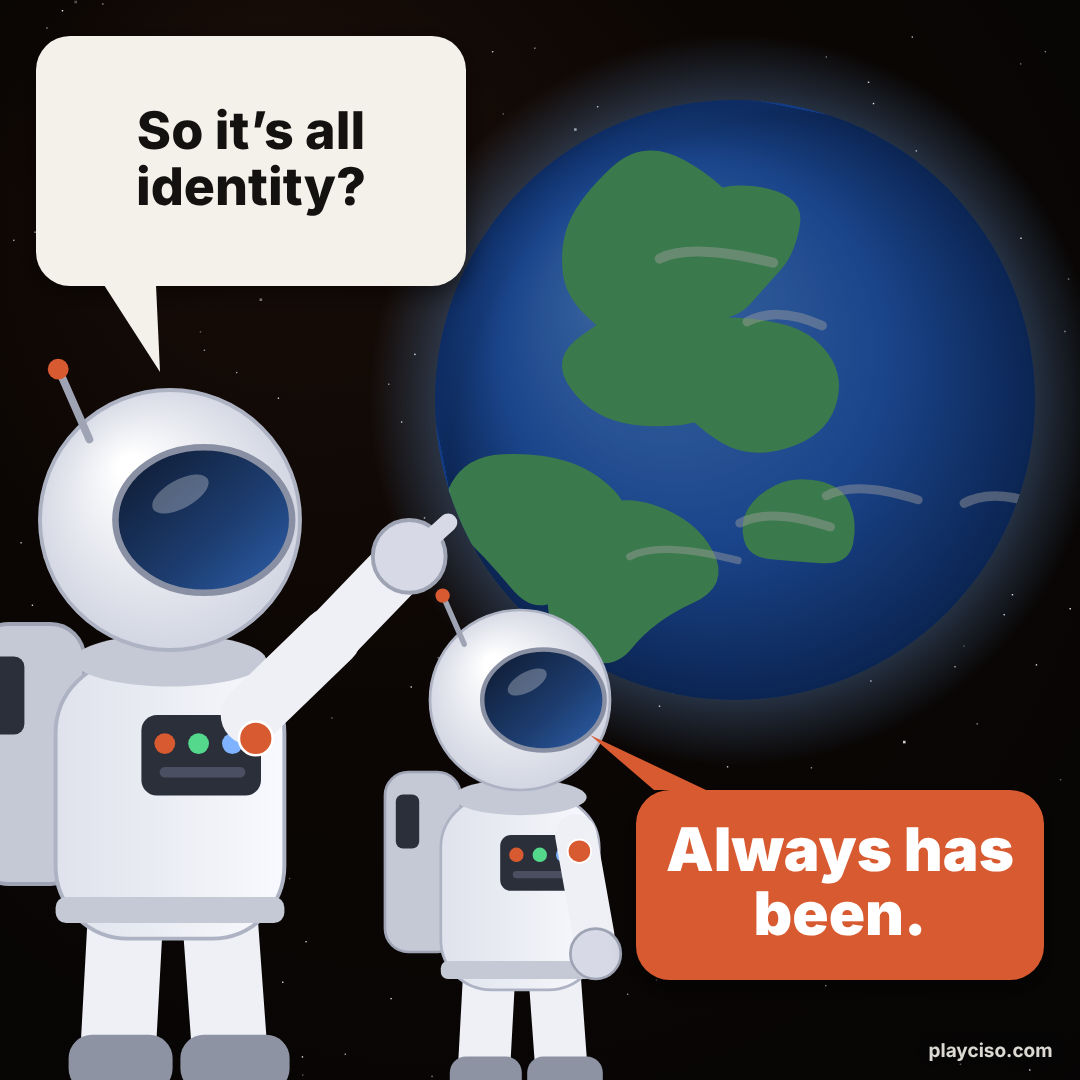
- Two astronauts. A realisation and a flat answer. Best for uncomfortable truths: “So it’s all identity?”
- Reject / approve. The bad habit on top, the better one below.
- Expanding brain. Four steps from naive to well-defended.
- Two buttons. The decision everyone is sweating over.
- Wandering eye. Someone ignores the sensible option for the tempting one.
- Room on fire. Total chaos, one calm understatement.
- Your image. Classic top and bottom text on any picture you choose. It never leaves your browser.
Want ready-made cyber security memes?
The PlayCISO meme library has 216 original, free cyber and AI security memes to download and share. We also post library memes on X (@playciso).
Frequently asked questions
What is the best free cyber security meme generator?
This one is built for security people: seven original templates (two astronauts, reject and approve, expanding brain, two buttons, a wandering eye, a room on fire and top-and-bottom text on your own image), a random cyber caption button, and a PNG download. It is free, it runs entirely in your browser, and there is no editor to install. Downloading the PNG needs a free PlayCISO account; copying the image to your clipboard does not.
Can I make an “Always has been” meme?
Yes. Choose the Two astronauts template. It is pre-filled with “So it’s all social engineering?” and “Always has been.” and you can change both lines. The astronauts and the planet are PlayCISO’s own drawings, not a copy of any existing meme photo.
Is the image I upload sent to a server?
No. When you add your own picture it is read by your browser and drawn onto a canvas on your device. It is not uploaded, stored or logged, and it is gone when you close the page. The page makes no server call to build your meme.
Do I need an account to download my meme?
Downloading the PNG needs a free PlayCISO sign-up, which takes a minute. If your browser supports it, the Copy image button puts the finished meme on your clipboard with no account, ready to paste into a chat, a slide or a post.
Can I remove the playciso.com watermark?
Yes. Untick “Show the small playciso.com mark” and the corner label disappears from the preview and the download. If you leave it on, thank you.
What makes a good cyber security meme?
Be specific and relatable: a real situation most security teams have lived through, such as an alert that nobody reads, a backup nobody has restored or a policy exception that never expires. Aim the joke at the situation or the process, never at a named company, a victim of a breach or a colleague. Short beats clever, so keep each line brief and let the text shrink only a little.
Where can I find ready-made cyber security memes?
The PlayCISO meme library has original, free cyber and AI security memes in several formats, including the two-astronaut format, each ready to download and share.
More security tools
The tools people use most on PlayCISO.
Catch injected instructions hiding in content your AI agent should only read.
Score your readiness against the first international standard for AI security threats.
Critical CVEs across 21 major vendors, month by month — and what the 2026 surge means.
Build an ordered ruleset, replay labelled packets and catch shadowed and any-to-any rules.
Self-assess all six Functions, from Govern to Recover, and see your weakest one.
Search 172 threat actors across Microsoft, CrowdStrike, Mandiant and community names.